Testing tasks
You can write tests for a task's functions and run them from the editor. Tests are plain Python assert statements against the helpers in your script, run in a sandbox where the platform is mocked — a test can't post to a real channel or bill a model call.
Where tests live
Tests go in tests.py, a file alongside main.py in the editor. Write functions named test_* in it and run them with Run tests. Results stream into the run console: each test shows as passed or failed, and a failure expands to its assertion error and traceback.
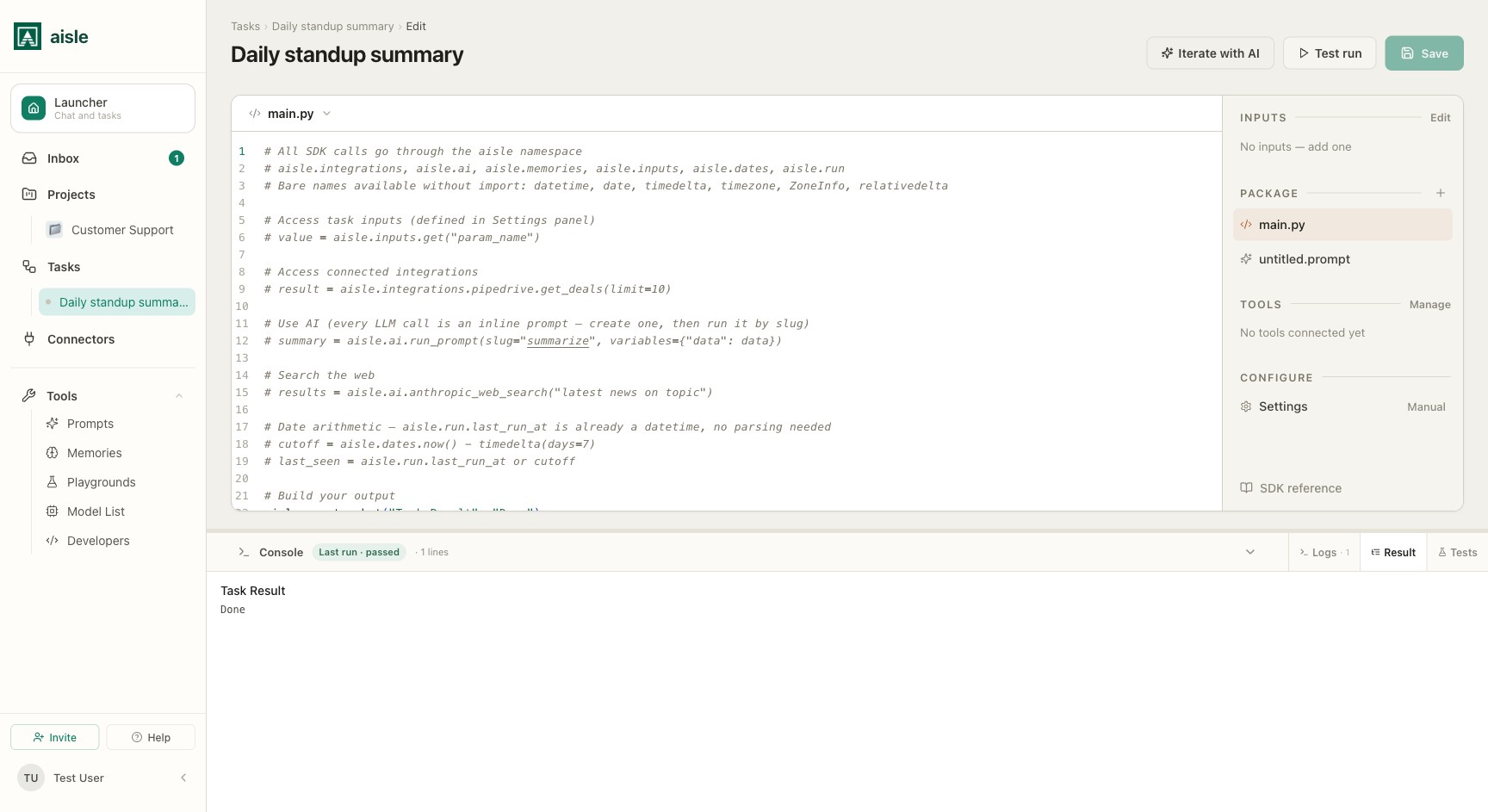
Anything defined in main.py — functions, classes, module-level constants — is callable from tests.py with no setup. The runner loads those definitions but skips the imperative, top-level code in the script, so aisle.* calls at module scope don't fire while a test loads.
Testing a helper directly
The simplest test calls a function from your script and asserts on its return value:
def test_format_row():
    row = format_row({"name": "Alice", "score": 42})
    assert row == "Alice: 42"
format_row is defined in main.py; the test calls it directly.
Testing the whole script with a mocked platform
To exercise the whole script, build a fake aisle with testing.mock_aisle() and run the script against it with run_script(aisle=fake):
def test_full_script():
    crm = MagicMock()
    crm.get_customer.return_value = {"name": "Acme"}

    fake = testing.mock_aisle(
        inputs={"customer_id": "abc123"},
        integrations={"crm": crm},
    )

    run_script(aisle=fake)

    fake.output.assert_called_once()
    assert "Acme" in fake.output.call_args.args[0]["summary"]
mock_aisle() returns a stand-in aisle namespace. Some parts work out of the box — inputs, dates, checkpoint, cache, run, parallel, and recording stubs for output, create_chat, and log. The parts that reach outside the sandbox are not mocked by default: ai, http, memories, files, and every integration. You supply those yourself.
Mocks are required for external calls
If your script calls an RPC you didn't mock, the call raises testing.UnmockedCallError instead of quietly succeeding. That's deliberate — it stops a test from touching a real service. To let the call through, pass a mock for it:
def test_summary_uses_ai():
    fake = testing.mock_aisle(
        inputs={"topic": "q3 numbers"},
        ai=MagicMock(),
    )
    fake.ai.raw.return_value = "Revenue up 12%."

    run_script(aisle=fake)

    fake.ai.raw.assert_called_once()
Integrations are mocked per provider through integrations={...}, keyed by the provider name you call in code (aisle.integrations.crm → integrations={"crm": ...}). Any provider you don't pass raises UnmockedCallError when the script touches it.
Assertions and mock inspection
Tests use plain assert. The mocks are standard unittest.mock objects, so you stub and inspect them the usual way:
m = MagicMock()
m.return_value = 42            # stub a return value
m.side_effect = ValueError()   # stub a raised exception

m.assert_called_once()         # verify it was called exactly once
m.call_args.args               # positional args of the last call
m.call_args.kwargs             # keyword args of the last call
m.call_count                   # how many times it was called
MagicMock, call, and patch are available in tests.py without an import.
Helpers
testing also provides fakes for time and connection-based clients:
testing.mock_dates(today=...)— a fixed-clock stand-in foraisle.dates, so date-dependent logic is deterministic.testing.mock_db()— a mock database client for code that calls.connect()on Postgres or MSSQL.testing.mock_sftp()— a mock SFTP client.
def test_uses_today():
    fake = testing.mock_aisle(inputs={})
    fake.dates = testing.mock_dates(today=date(2026, 1, 15))
    label = build_label(fake)
    assert label == "report-2026-01-15"
Where to go next
- Using the IDE — the editor, the Package, and test runs.
- SDK Reference — the
aislesurface your tests mock.