Build once. Deploy everywhere.
Version-controlled prompts with variables, structured outputs, and model-agnostic deployment. Build your prompt library once and run it in chat, Projects, Tasks, or API.



Customer Feedback Analyzer
v12 · Last edited 2 hours ago
 Claude Sonnet 4.5
 Slack
Slack Jira
Jira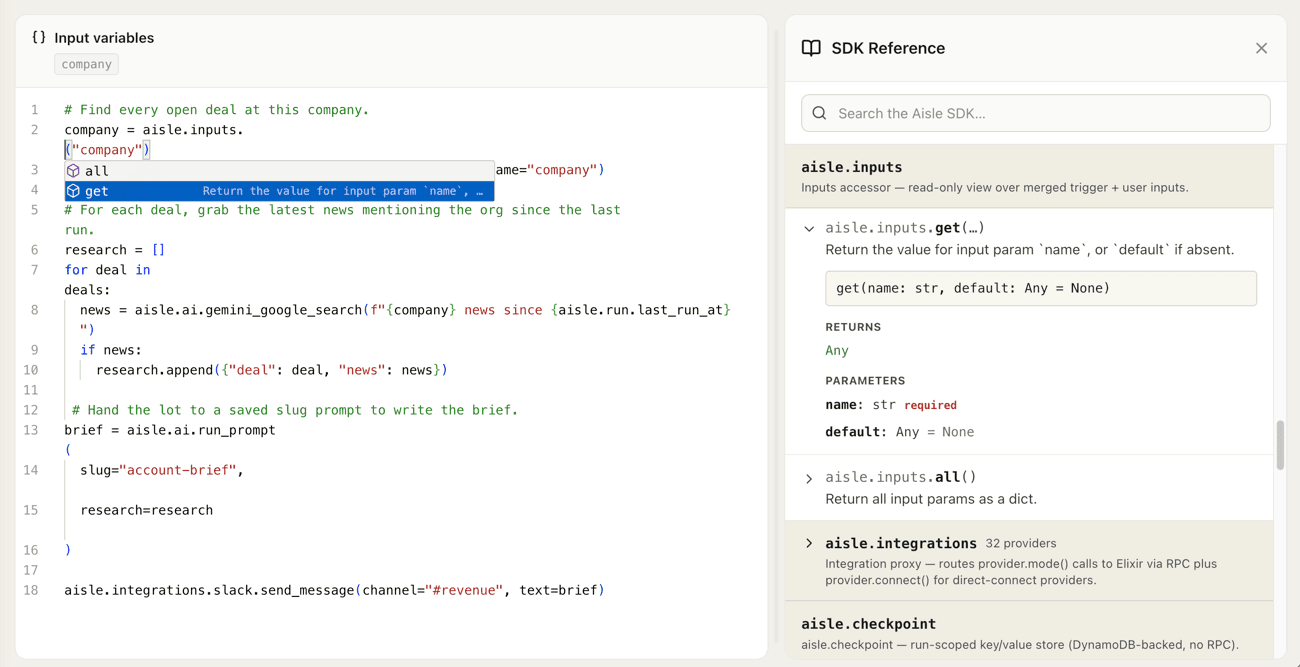
Everything you need to manage prompts at scale
Version control for every prompt
Every edit creates a new version. Diff any two versions side-by-side, see who changed what, and roll back with one click. No more untracked edits in chat threads or shared docs.
Try it nowVariables and structured outputs
Define input variables once, enforce JSON output schemas, and use the same prompt across every deployment. Get predictable, schema-validated responses instead of parsing unstructured text.
Try it nowDeploy to chat, Projects, Tasks, or API
One prompt serves your team in chat, your application via API, and your automations in Tasks. Change the prompt once and every deployment picks up the update.
Try it nowTeam sharing and permissions
Control who can edit, run, or view each prompt. Build a shared library your whole team discovers and uses. Stop being the single point of failure for your team's AI tools.
Try it nowExplore the rest of Aisle
Prompts are one piece. Here is how the rest of the platform fits together.
Multi-Model Chat
One interface for every AI model your team uses. Switch models mid-conversation.
Learn moreTasks
Python scripts on managed compute. The schedule, secrets, retries, versions, and audit trail are built in.
Learn morePlaygrounds
Test the same prompt across models side-by-side. Compare outputs before you ship.
Learn moreMemories
Documents your Projects and Tasks can create, update, and query. Search by meaning or by metadata.
Learn moreBuild once, run everywhere.
Version control, team sharing, and multi-model deployment from one platform.