Own your AI.
Your team has AI they chat with. Automating a business process is a different thing entirely: it has to run the same way every time, with a cost you can rely on.
AI operations
LiveModel and provider agnostic.
 Anthropic
 OpenAI
 Gemini
 xAI
xAI OpenRouter
 Amazon
 Perplexity
 MoonshotAI
 Meta
Meta Qwen
Qwen
Infrastructure before intelligence.
Before AI can run on top of your business, the systems underneath it have to be reliable. Tasks let you build those processes end to end, so they run deterministically and the same way every time, calling AI only for the judgment a person used to apply.
Go through our open Jira issues that have no team assigned. For each one, read it, decide which of our twelve teams should own it and how urgent it is, then update the issue. Keep going until everything is triaged.
Oh, and if an issue looks like a duplicate, link it to the original instead of assigning a team. If you cannot tell which team owns it, drop it in the triage backlog with a short note on why. Skip anything already assigned, do not touch closed issues, and if something looks like an outage, mark it urgent and post a heads-up in the incidents channel. Use your best judgment on the edge cases, and try not to spend too long on any single ticket.
A system
runs a written process- The sequence is written down in code.
- It runs reliably, the same way every time.
- The cost follows from the code it touches, and you know it up front.
- It generally uses fewer tokens than an agent doing the same job.
An agent
decides its own path- The model decides what to do next, and when to stop.
- The same input can take a different path on a different run.
- Cost has no ceiling, and a hard input can multiply the steps, and the bill.
- Best when a person is steering open-ended work, like research or drafting.
Your modern IP, owned and managed.
Each task replaces a unit of work the business used to depend on a person for. That logic becomes real operating IP the company owns, and it needs one place to be built, managed, and maintained.
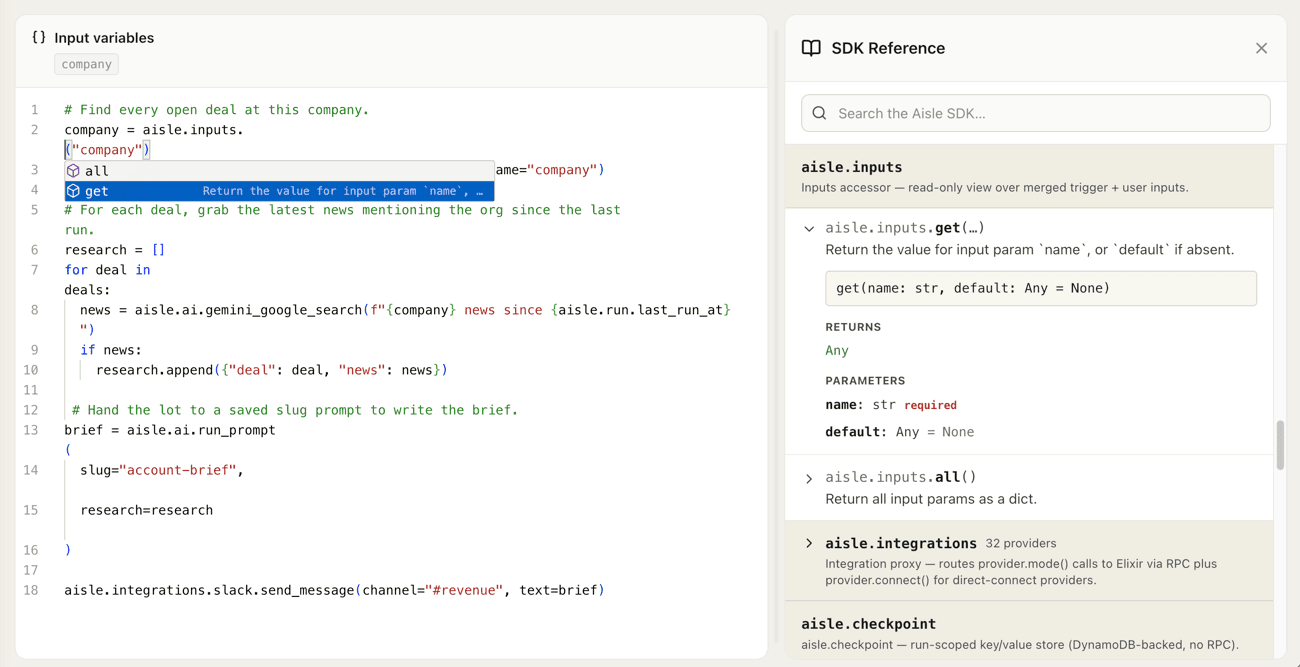
It runs the same way every time.
A system runs in front of the business, unattended, so it has to behave like infrastructure. Because the process is code and the model is one bounded step inside it, the same input takes the same path on every run, and Aisle gives you the guarantees to trust it, audit it, and manage it.
The same result every run
The sequence is written in code, not decided by a model as it goes. The same input takes the same path every time, so a system behaves the way it did in testing, not a little differently on each run.
Logged and auditable
Every run records what triggered it, the inputs, the output, and any error. You can see exactly what a system did, and show it, during the run or long after.
Retries and recovery
A long run resumes from its last checkpoint instead of starting over, with retries and timeouts handled for you, so a transient failure does not become an incident.
Versioned and reversible
Every save is a revision. Follow each change, see who made it, and roll back to a known-good version in a click.
Hosted, almost no upkeep
Aisle runs it: no servers to keep alive, no dependencies to drift, no migration when a model is deprecated. A system you wrote last year still runs.
A cost you can predict
Model calls follow from the code and the size of the input, not from how much a model decides to think, so the monthly bill is one you can estimate up front.
The rest of Aisle.
Tasks are the engine. The rest of the platform is where they get built, tested, shared, and grounded.
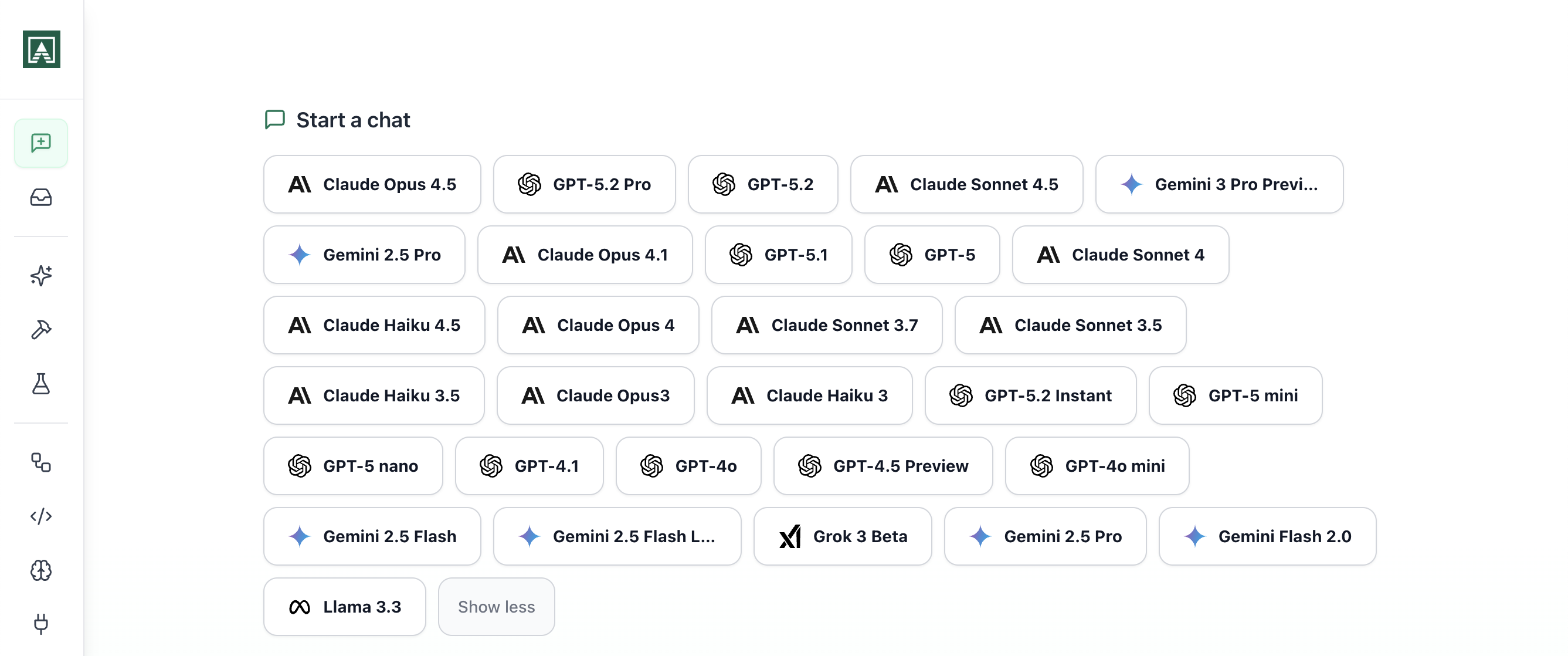
Multi-model chat
Every model your team uses, in one place, sharing one history.
Chat with ChatGPT, Claude, Gemini, Grok, and more without juggling subscriptions. Upload files, search the web, fork a thread to try another approach, and share any conversation with the team.
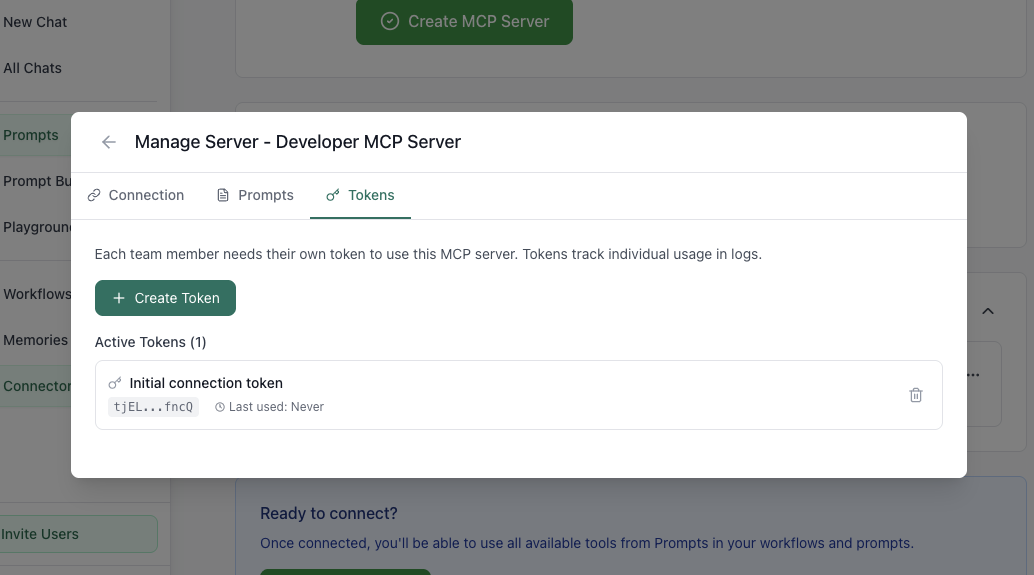
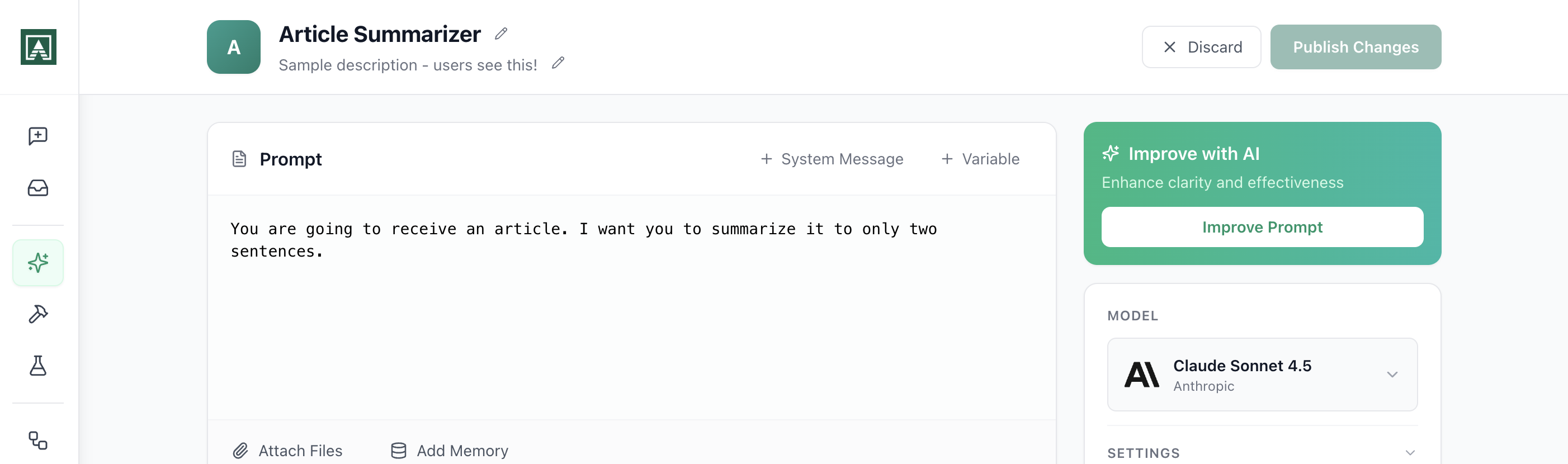
Prompts
A shared prompt library you build once and run thousands of times.
Prompts are model-agnostic components: swap the model underneath without rebuilding, and reuse the same prompt across chat, Projects, Tasks, and the API. Every change is versioned, so you can see what moved and roll it back.
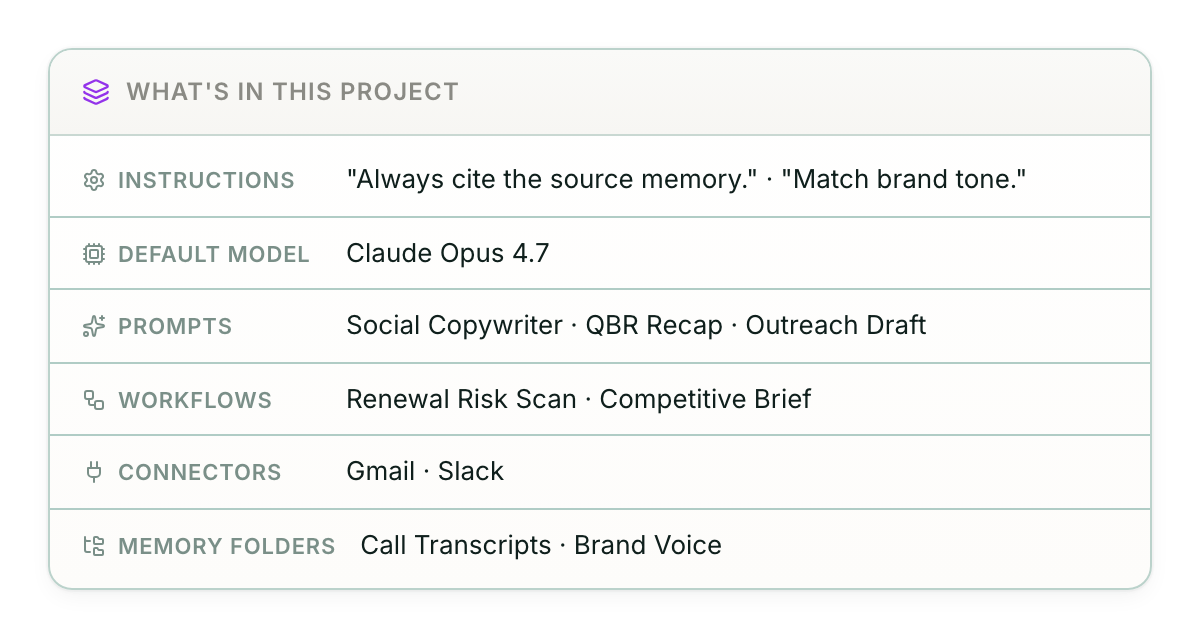
Projects
A shared workspace for one team, customer, or domain.
Holds the prompts, tasks, connectors, and knowledge for one area of the business, with a default model and one-toggle sharing. Its chat runs the assigned tasks as tools, so the work happens where the team already is.
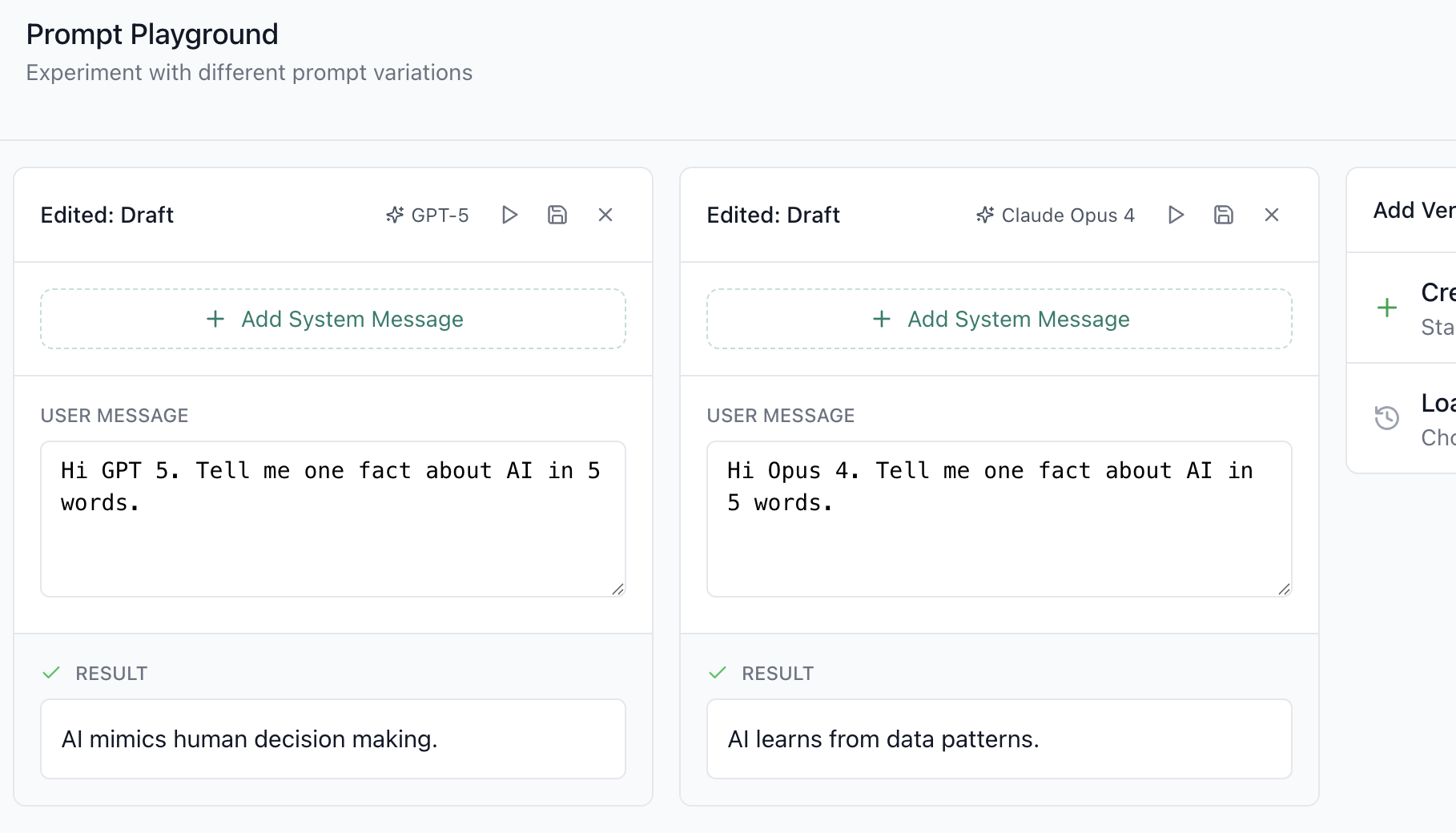
Playgrounds
Test a prompt across every model at once, side by side.
Pass in a batch of inputs, compare the outputs, and see how each model handles the edge cases before you ship. Share the full test state as a link so the team picks up where you left off.
Memories
A knowledge base your tasks and chats read and write.
Upload documents, build a knowledge base, and ground any prompt, chat, or task in your own data with cited sources. Vector search and version history are built in, with no database to run.
Ship your first system.
Open the editor, write a system against your connected accounts, and put it on a trigger, or describe it, and the builder drafts it as code you edit. Starter and Pro both begin with a 14-day free trial.