User Settings
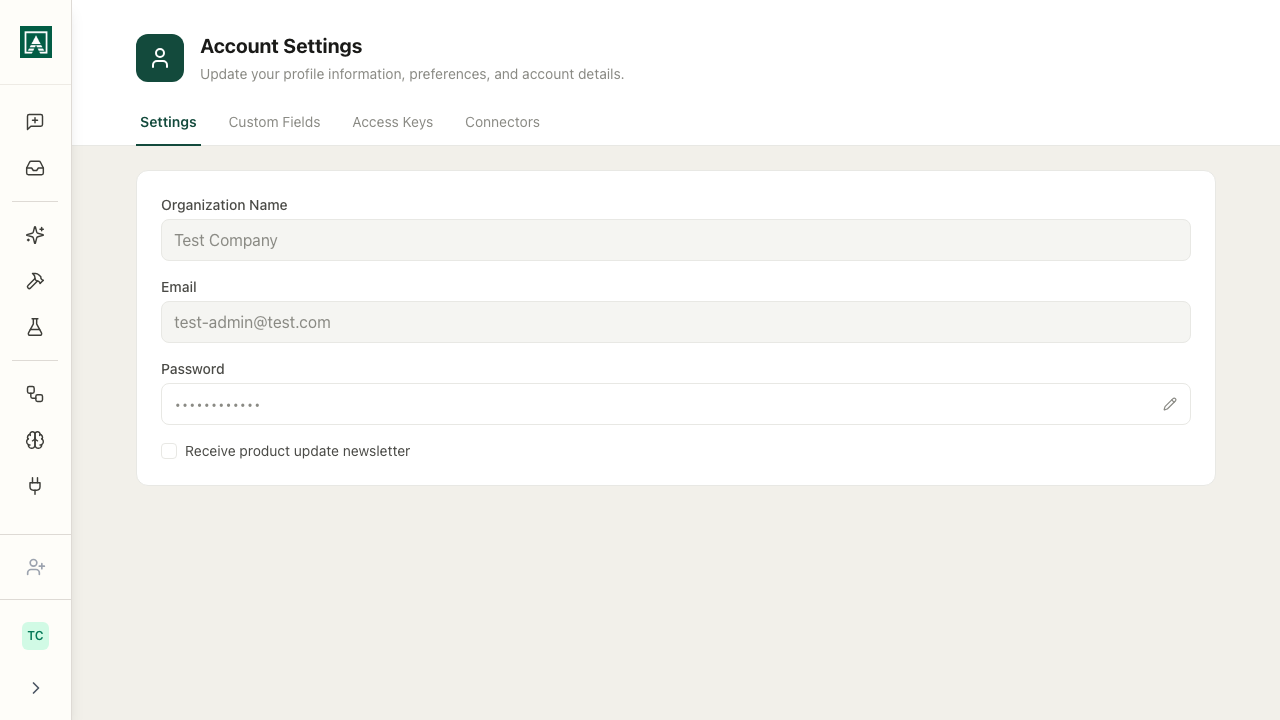
Your personal account settings are accessible from the bottom of the main sidebar. Click your avatar or organization name and select User Settings.
Profile
Update your display name, email address, and password.
Custom Fields
Custom fields are data points your organization has defined - things like your department, team, external account ID, or any other per-user information your org tracks.
Your values are set here and available to workflows that use the Custom Fields node. A workflow might read your department field to route output to the right place, or read your salesforce_id to look up your account automatically.
Admins define the available fields. See Custom Fields for the full reference.
Access Keys
Personal API keys for authenticating calls to prompt and workflow endpoints. Each key can be labelled and revoked independently.
Keys are shown only once on creation - store them securely.
See Access Keys for details.
Connectors
Links to the Connectors page where you manage your personal MCP server connections. See MCP Connectors.