This week: live news feeds in workflows, a new GPT model, scripts on HTTP endpoints, GitHub and Bugsnag webhook triggers, and two quality-of-life fixes for long-running workflows. Let's get into it.
Workflows
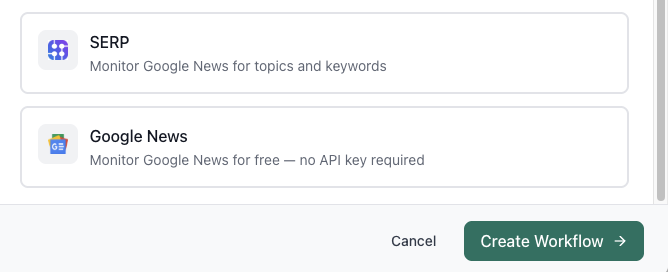
Google News + SERP News Feeds
You can now pull live news directly into your workflows. We've added native support for Google News, Bing News, and DuckDuckGo News as feed sources. You can build workflows that monitor topics, track competitors, or react to breaking news automatically.
Google News Alerts are also supported. Point a workflow at an alert and it runs whenever a new result comes in.
Models
New GPT Model
The latest GPT models from OpenAI (5.4, 5.4 Pro) are now available to select across your prompts, chats, and workflows. No configuration needed.
Scripts
Scripts on an Endpoint + Execution Server
Scripts can now be published to an HTTP endpoint. Share the URL and any external service can trigger your script directly; no workflow wrapper required.
Scripts are also now running on the execution server, bringing them in line with the same runtime environment as workflows and making them accessible via MCP to Claude Code, Cursor, and more.
Integrations
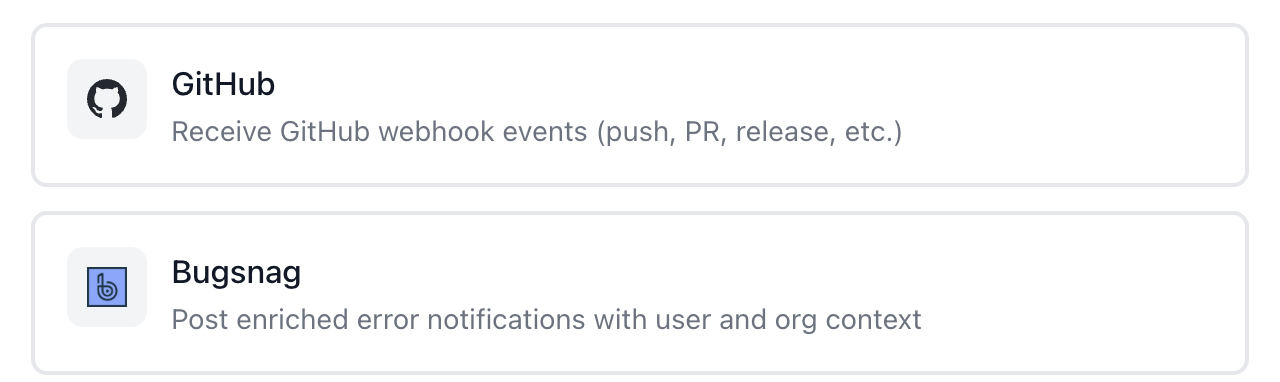
GitHub PR Hooks + Bugsnag Workflow Hooks
Two new webhook triggers. You can now kick off a workflow from a GitHub pull request event: useful for deployment pipelines, code review automation, or anything that should run when a PR opens or merges.
Bugsnag is also live. Trigger workflows on error events, enrich them with user and org context, and route alerts to the right channels automatically.
Workflows
Long-Running Workflow Fixes
Two improvements for large workflows. The logs view now shows a condensed middle section by default: start, end, and key steps, so you're not scrolling through thousands of entries to find what matters.
You can also now filter logs to show only errored steps. If you're running a loop with "continue on error" enabled, this makes it much faster to see exactly what went wrong.

We love hearing what your teams are building, so please reply and let us know how we can help.
Alex | Aisle