Big release this week: multi-user chat threads, full workflow version history, prompt and script versioning with deprecation handling, and improvements across integrations, permissions, and mobile. Let's get into it.
Multi-user chat threads
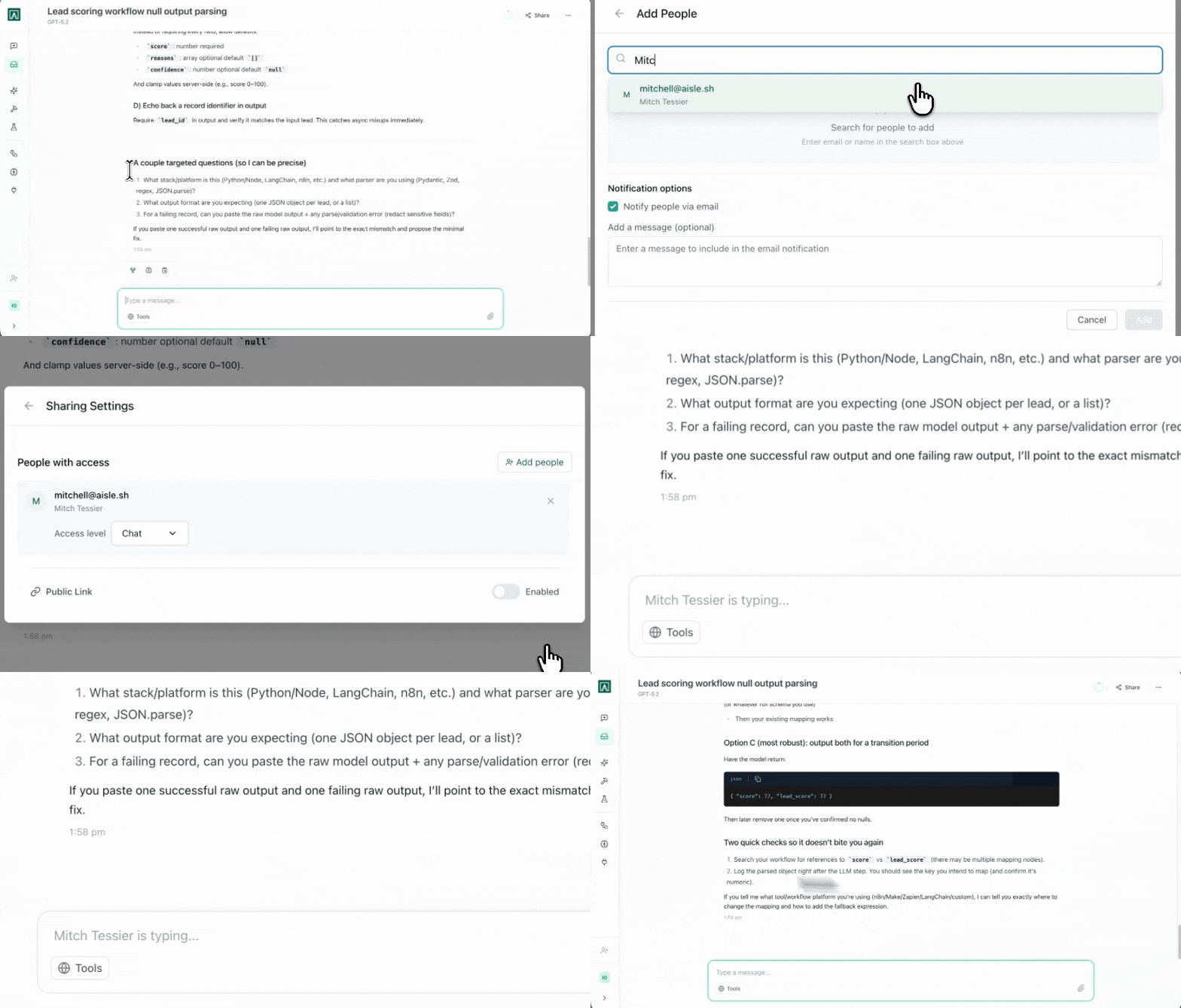
Two people can now be in the same conversation at the same time. Open a chat, your colleague joins, and you're both talking to the model together in real time.
We've been using this internally for debugging sessions and design reviews, anywhere a second brain in the room makes a difference. To bring someone in, share the chat link from the conversation settings.
Workflow version history
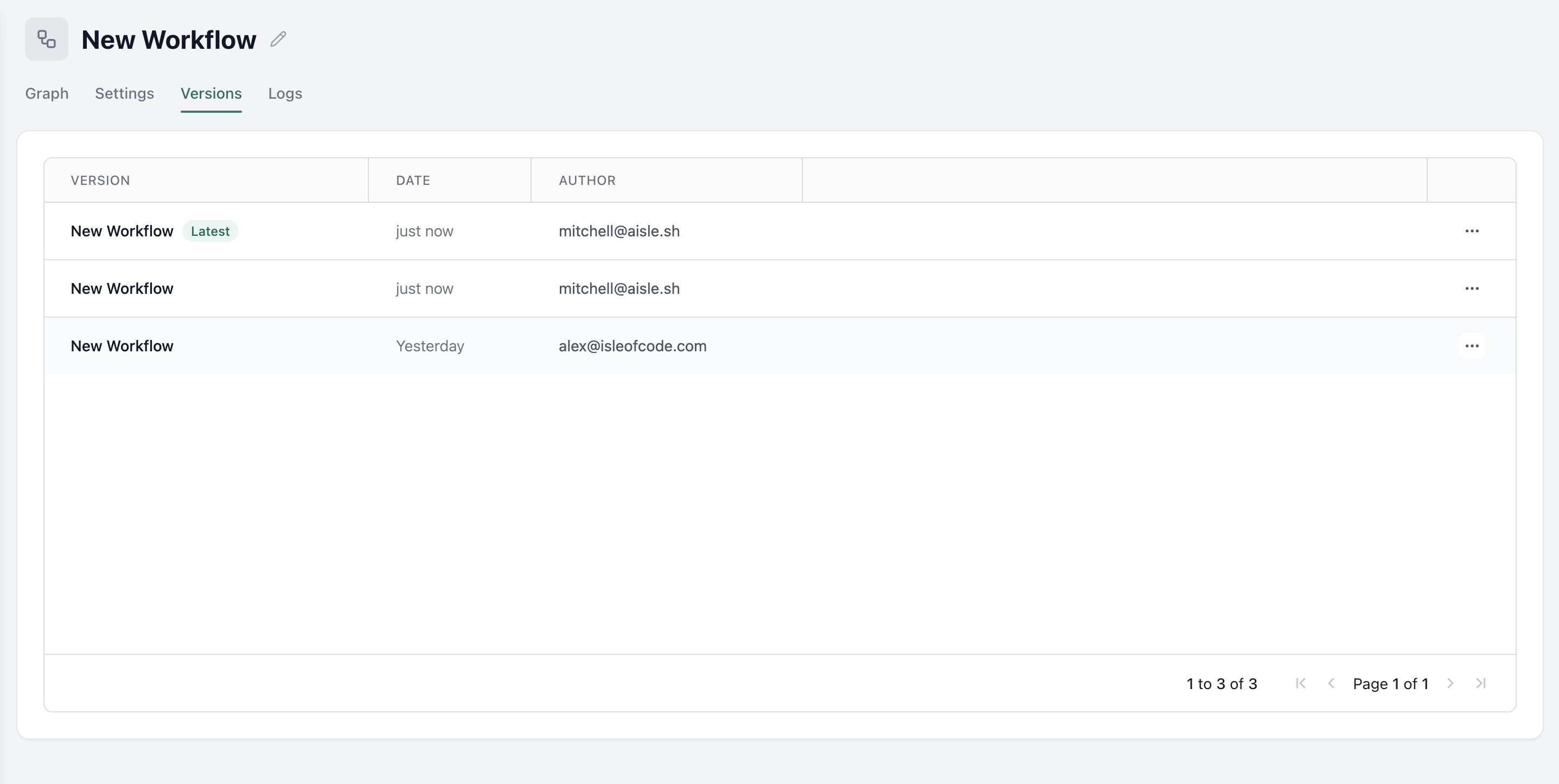
Every change to a workflow is now tracked. Open the Versions tab and you'll see the full revision history: what changed, when, and who made the edit. When something breaks, you have a diff to look at.
Prompt nodes and script nodes now support version pinning too. By default, they use the latest version of a referenced prompt or script. Uncheck that and you can pin to a specific revision. Parameters update to match automatically.
If you delete or modify a prompt that a workflow depends on, the workflow stays stable on the pinned version.
Hidden fields in workflow variables
You can now mark any start variable as hidden. Set a default value and it never renders on the start form, chat form, or anywhere a user would see it, but the workflow still uses it internally.
Stop adding three Set Variable nodes at the top of every workflow just to initialize constants.
Math operations: rounding
All math operations now include rounding options: nearest, floor, and ceiling. Divide nodes no longer kick back unexpected decimals that break your loop counts.
Integrations
Supabase and Postgres: inline SQL templates
Supabase and Postgres nodes now support inline templating. Instead of chaining a Template node before every Execute SQL node, define the template directly inside the SQL node itself.
Stop building template, execute, template, execute chains. We'll expand this to other node types once it's been tested in production.
Asana
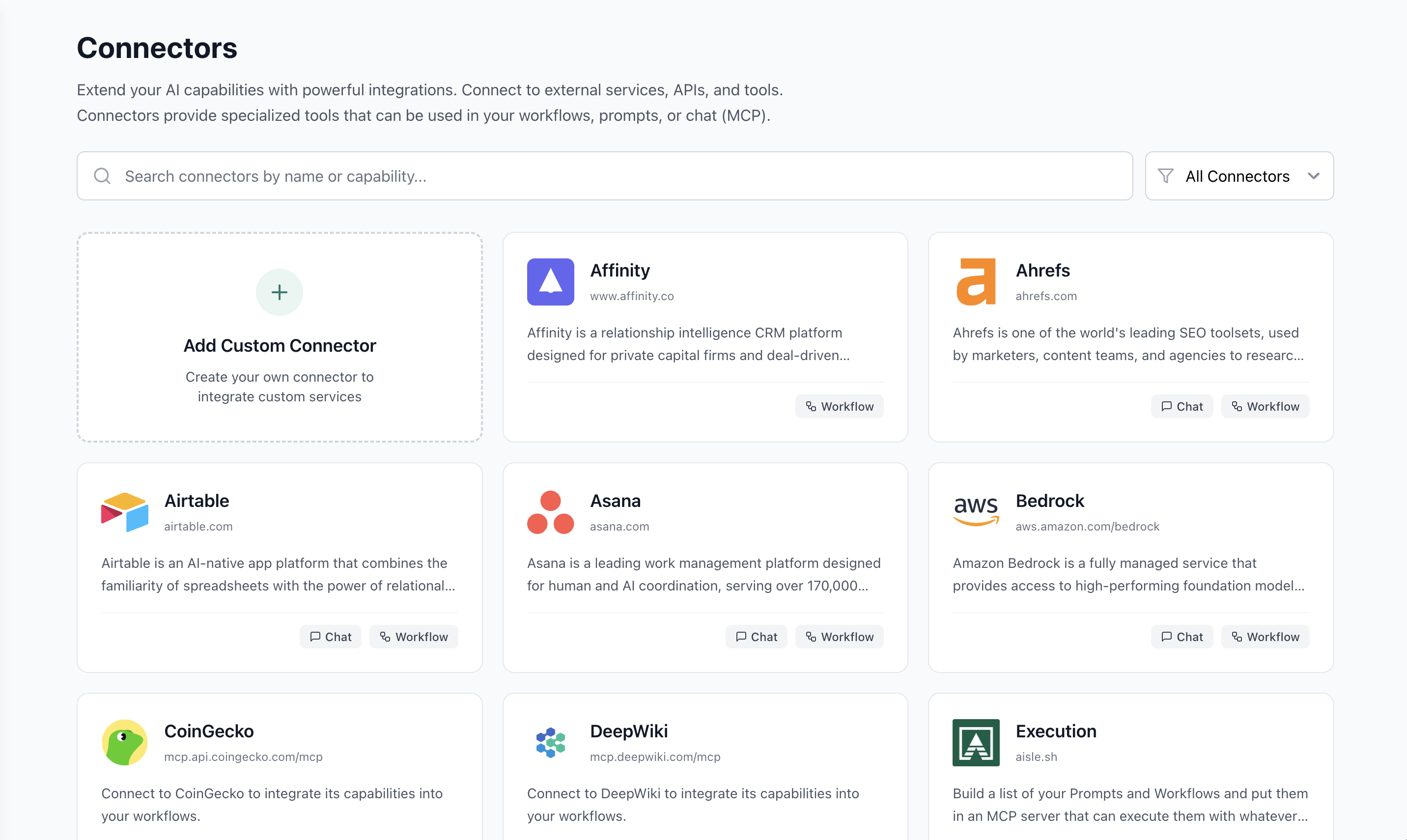
Asana is now available as a workflow integration. We've had the MCP connector for a while, but the native node is cleaner to work with.
Ahrefs MCP
Ahrefs MCP is live via their remote server. You'll need an Ahrefs enterprise access key to use it in workflows.
Pin a workflow or chat to a Memories folder
Memory nodes now let you reference an entire folder instead of individual memories. In a workflow, expose the folder as a variable so whoever's running it can choose. In chat, users pick from their available folders at runtime.
Handy if you're running the same workflow across different teams and need outputs going to different folders.
Platform
Request access to prompts and workflows
If you open a prompt or workflow you don't have permission to view, you'll now see a Request Access button. One click sends the request to the owner.
Credential and prompt visibility for shared workflows
When you share a workflow, we now show you which inline resources (credentials, prompts) will be shared along with it. When you remove someone's access, you'll see a note that they may still have access to those inline entities, which you manage separately.
Current date awareness
Prompts now support a current date variable. Reference it and the model always knows today's date. It never renders in any form or UI. No more responses that think it's May 2024.
Mobile UX refresh
Every feature in Aisle has received a mobile pass. Chat, prompts, memories, sharing modals: all usable on mobile now. Sharing a prompt with a teammate while you're on a walk is no longer a fight with the UI.
Note: This does not apply to Workflows. If you're building Workflows on your phone: take a breath. Touch grass. It doesn't have to be like this.
Alex | Aisle