This week: See your context usage at a glance, render charts and diagrams directly in chat, and access your memories through MCP.
Chat Context Limits
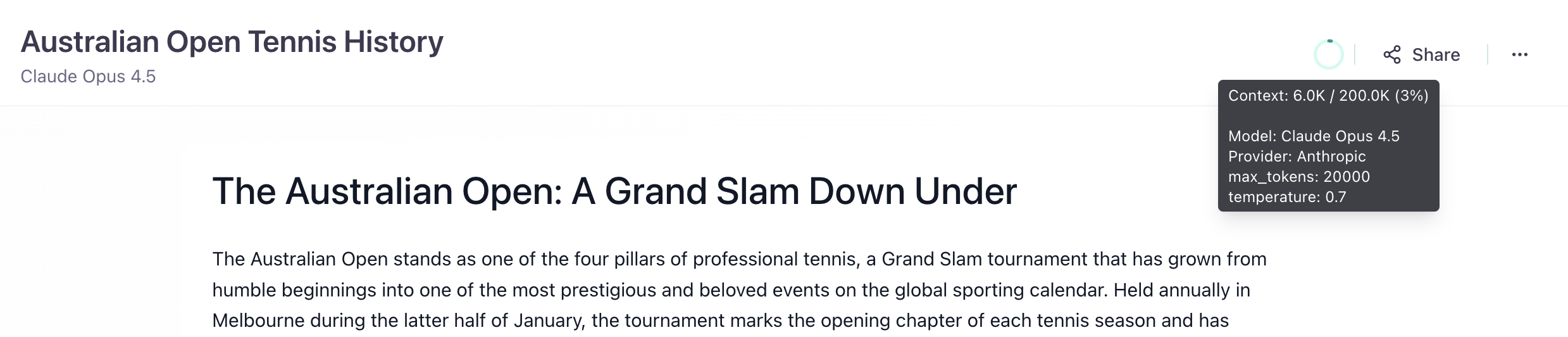
You can now see exactly how close you are to hitting model context limits. The header displays your current token usage as a percentage of the model's maximum context window. No more guessing whether your conversation is about to hit a wall - plan your prompts accordingly or switch to a model with a larger context window before you run out of room.
Graphs in Chat
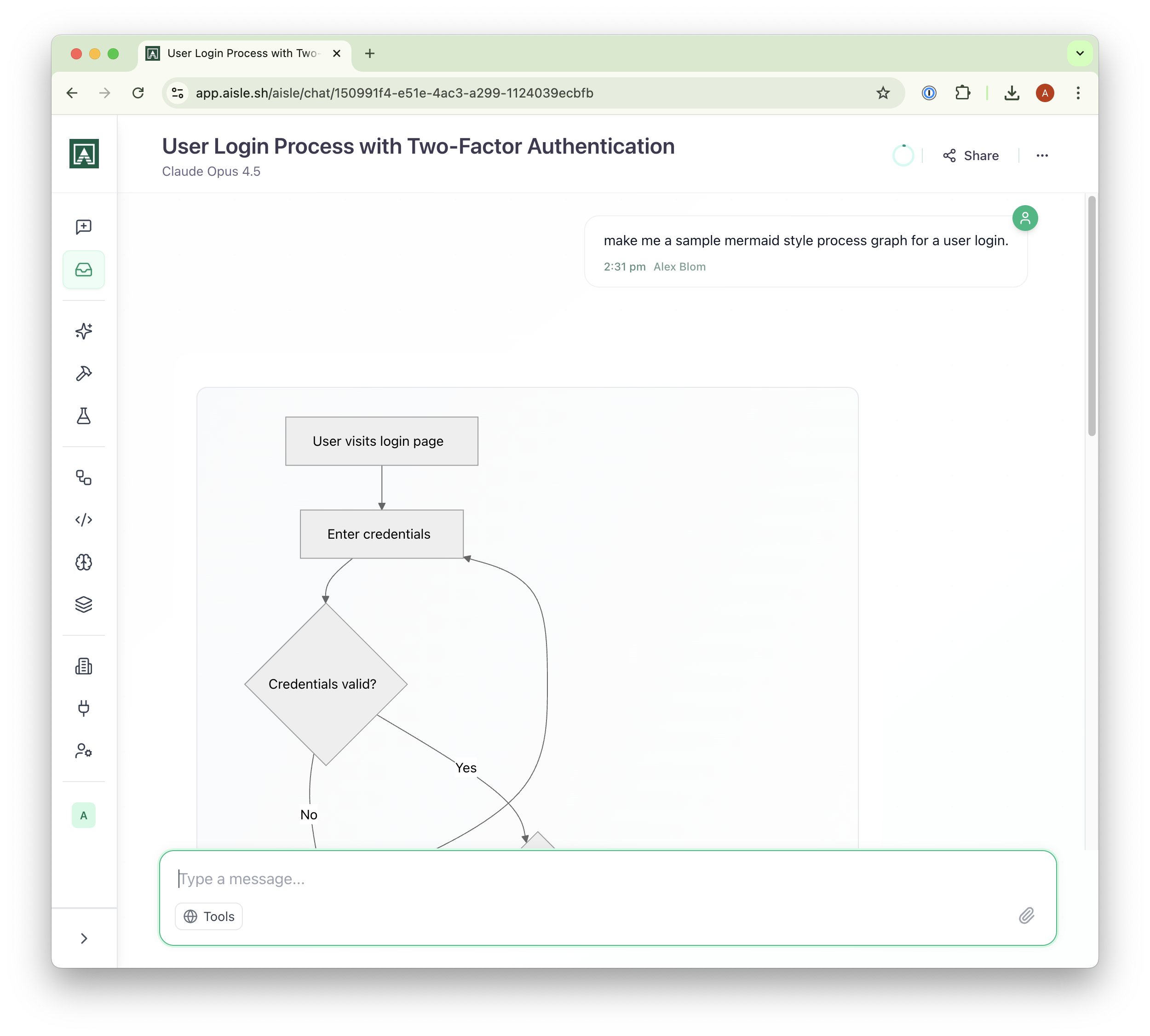
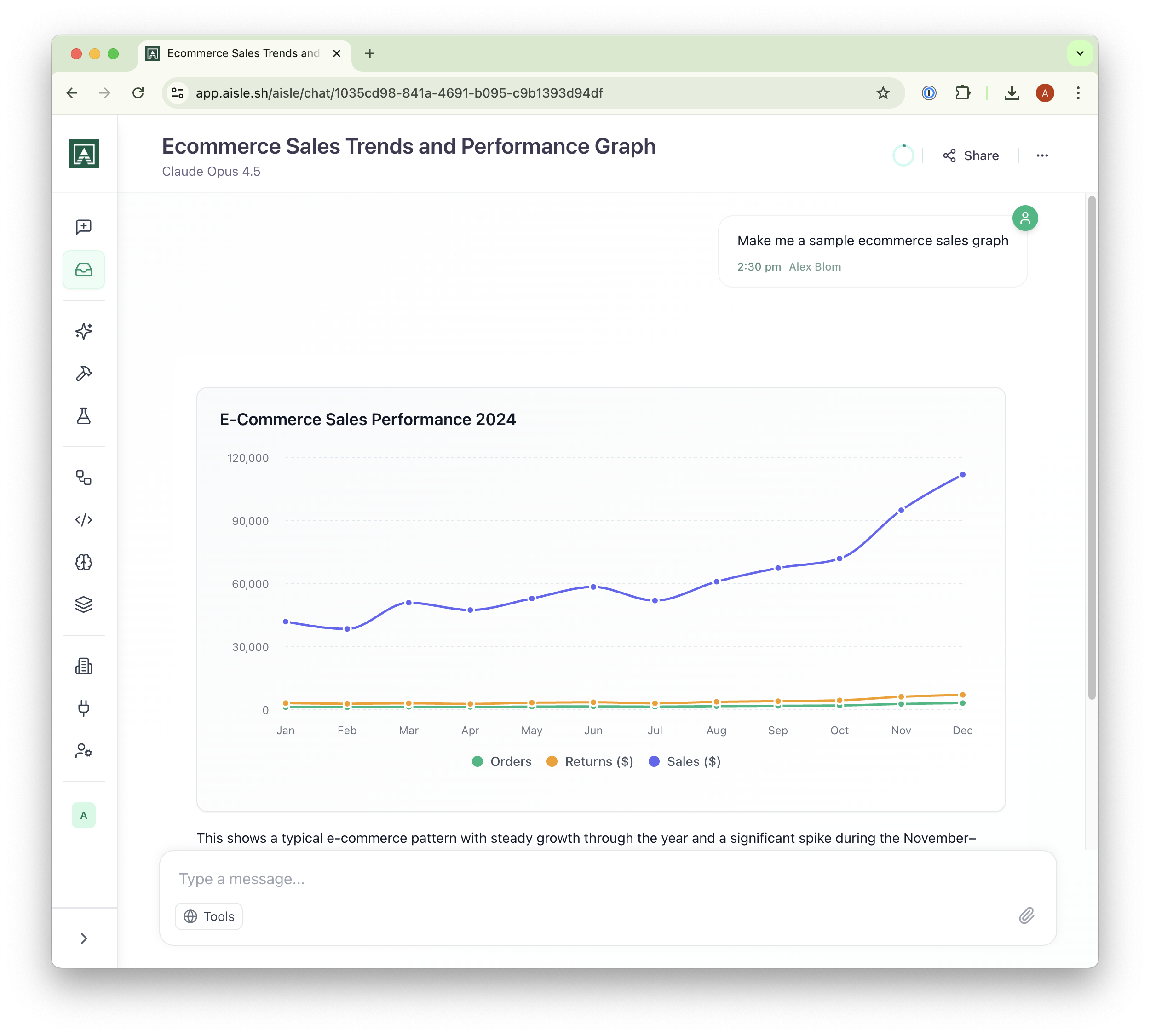
All vanilla chats now support rendered visualizations. Ask for charts, flowcharts, or mathematical diagrams and see them rendered inline - no need to copy code into external tools. Try prompts like "make me a sample ecommerce sales graph" or "create a mermaid flowchart for user authentication" and watch the visualization appear directly in your conversation.
Memories MCP
The Memories product is now available as an MCP server. If you're already using memories to store organizational knowledge, you can now expose them to any MCP-compatible client. The server supports listing, searching, creating, and updating memories - giving your AI tools direct access to your knowledge base without manual copying.
To enable it, head to your MCP settings and add the Memories connector. Learn more in the Memories docs.