You're deep in a conversation. The AI just suggested three different approaches. You want to explore all three without losing context. That's what forking is for in Aisle chat.
What it does
Click the fork icon next to any AI response. Aisle creates a complete copy of your chat conversation up to that point. A new chat opens with all previous context intact.
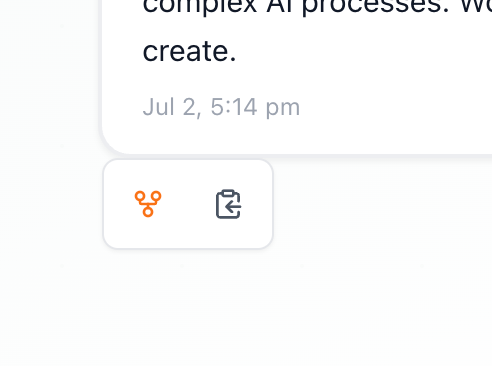
Now you can explore one direction in the new chat while your original conversation stays exactly where it was. Version control for conversations.
When to use it
Exploring options - The AI outlined three approaches to your Q4 strategy. Fork three times and explore each path. Compare side-by-side.
Testing solutions - You're debugging. Multiple fixes suggested. Fork to try each without losing the thread.
Content variations - Drafting marketing copy. Fork to try different tones while keeping the original.
Deep dives - You're in a long analysis and hit an interesting tangent. Fork to explore it without derailing the main conversation.
How it works
After forking, the conversations are completely independent. Changes in one don't affect the other.
The fork includes all messages up to that point. Everything before that moment is identical in both conversations.
Forked conversations get auto-generated names like "Forked Chat 1." Rename them immediately. "Q4 Strategy - Growth Focus" vs "Q4 Strategy - Cost Optimization" tells you what each explores.
Quick tips
Don't fork at the start. Get enough context first. Fork when you reach a decision point or branch.
Keep it to 2-3 forks. Too many and you spend more time managing them than benefiting from them.
After exploring, review all forks. Extract the best insights from each. Sometimes the answer is a combination of approaches from different forks.
Go try it out!