This release adds support for custom icons for workflows and prompts, a stop button for when GPT goes off the rails, and more.
Custom Icons for Workflows and Prompts
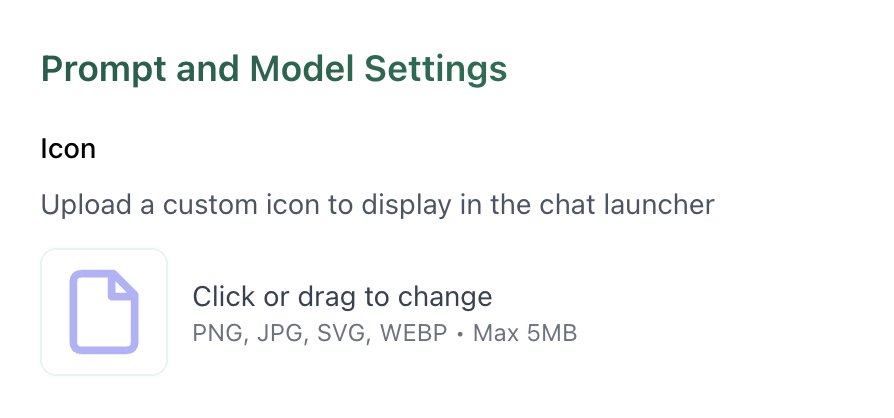
You can now add custom icons to your workflows and prompts. Useful for visual organization and faster navigation when you're managing multiple automations.
To add an icon, open any workflow or prompt and click the icon picker in the settings.
Stop Button in Chat
Chat now includes a stop button for streaming all items in Chat - Models, Prompts and Workflows. This feature should be one of our most impactful - especially when you accidentally pick GPT instead of Claude and immediately see contrastive framing "It's not about X - but Y..."
Improved Logs
Workflow and prompt logs are significantly faster and easier to read. We've cleaned up the interface and improved load times so you can debug more efficiently. The new layout reduces visual clutter and surfaces the information you actually need when troubleshooting.
Playgrounds Even More Improved
The playground has several new features for faster iteration:
- Improved scrolling and screen space usage
- Rename, reorder, and clone columns
- Copy messages between columns
- Lock/unlock columns to prevent accidental changes
These changes make it easier to test prompt variations side-by-side without losing your configuration.
New Integration: Supabase
Supabase is now available as an integration. Connect your Supabase projects to build workflows that interact with your Postgres database directly.
To enable Supabase, go to your organization's integration settings.